Guides
Guides to compressing video and freeing iPhone storage
Every guide starts with what you can do using the tools already on your iPhone, then shows where Minivid saves you time.
Compress and edit video
5 min read
Does compressing a video twice ruin the quality? What to do on iPhone
Every lossy re-encode throws away a little more detail. Here is when a second pass is harmless, when it visibly hurts, and how to avoid it by always compressing from the original on your iPhone.
Read guide
5 min read
How to compress a video that is in the Files app, Safari or a chat on iPhone (not in Photos)
The Files app can only zip a video, and Apple’s own tips assume the video is in Photos. Here is how to shrink a video you downloaded, received in a chat or saved in Files, using the Share button, and what to check afterwards.
Read guide
5 min read
How to remove the location from a video on iPhone before you share it
Videos you film on iPhone can carry the place where you filmed them. Here is how to share one without its location, how to remove it from a video already in Photos, what compressing does to it, and what else can still give your location away.
Read guide
4 min read
Why is my iPhone video so slow to upload to YouTube, and should you compress it first?
A long iPhone video can take hours to upload to YouTube. Here is what actually makes it slow, what to try before touching the file, and when a smaller 1080p copy is worth making.
Read guide
4 min read
Why is my iPhone video blurry on Instagram, and should you compress it first?
Instagram re-encodes every video you upload, so some softness is normal. Here is what you can change (upload quality, the source file, extra re-saves), when compressing first helps and when it makes things worse.
Read guide
4 min read
Why is my iPhone video sideways or upside down after compressing or sending, and how to fix it
A video that looked fine in Photos shows up rotated in another app, on a computer or after compressing. Here is why it happens, how to check it and fix it, and what Minivid does with orientation.
Read guide
4 min read
How to compress the video you just recorded on iPhone in one tap (widget, Action button, Siri)
Recorded a long video and need it smaller right now? Here is how to jump straight to your newest video from a widget, Control Center, the Action button or Siri, and what Minivid does and doesn’t do from there.
Read guide
5 min read
Is there a free video compressor for iPhone with no watermark? What to check before you install one
Many free video compressors stamp a logo on your video, cap the size, or make you pay to export. Here is how to spot that before you install, the free tools already on your iPhone, and what Minivid’s free version does and doesn’t include.
Read guide
5 min read
Why won’t my video compress on iPhone? Fixes for stuck or failed compression
Video compression stuck, failing or saying it can’t read the file? The usual causes on iPhone: an iCloud-only original, low storage, a locked screen or a huge file. Here is how to check each one.
Read guide
5 min read
How to compress a video on iPad (and why zipping it doesn’t help)
Need to make a video smaller on iPad? Zipping it in Files saves almost nothing. Here is what actually works with Photos, Shortcuts and iMovie, and how Minivid shows the size first.
Read guide
6 min read
Are online video compressors safe? How to shrink a private video on iPhone without uploading it
An online video compressor usually uploads your file to someone else’s server. Here is how to tell, what to check in a tool’s privacy policy, and ways to make a video smaller on iPhone without it leaving the phone.
Read guide
5 min read
How to change a video from 60 fps to 30 fps on iPhone
Photos has no frame-rate setting for a clip you already filmed. Here is what 60 fps costs, when 30 fps is enough, and how to get a 30 fps copy with the camera setting or Minivid.
Read guide
6 min read
How to change a video from 4K to 1080p on iPhone
Photos cannot change the resolution of a clip you already filmed. Here is what can: Shortcuts, iMovie, and Minivid, plus how much smaller a 1080p copy is and what changes in the picture.
Read guide
6 min read
How to compress several videos at once on iPhone
Photos has no batch compress. See what the built-in options can and cannot do, and how to shrink many videos in one run, then delete the originals to get the space back.
Read guide
5 min read
How to make an iPhone screen recording smaller so you can send it
A screen recording can be huge for its length. Trim it, record shorter clips and lower the frame rate or resolution to shrink it, then send it from your iPhone. Free steps first.
Read guide
6 min read
Why is my compressed video bigger than the original on iPhone, and how to fix it
A video that gets bigger after compressing usually was already compressed, changed codec or kept a high bitrate. Learn how to check, what to change, and how to shrink it on your iPhone.
Read guide
6 min read
Why does my compressed or edited video show today’s date on iPhone, and how to fix it
A video you compressed or exported shows up at the top of Photos with today’s date and no location? Learn why it happens, how to correct the date in Photos, and how Minivid keeps the original date and place.
Read guide
7 min read
How to compress a video to under 10 MB (or any exact size) on iPhone
An upload form says the video must be under 10 MB? Learn the size maths, how to get a clip under a limit with Photos, Shortcuts or iMovie, and how to name an exact size in Minivid.
Read guide
6 min read
How to convert a MOV video to MP4 on iPhone
Need an MP4 from an iPhone video? Learn why iPhone records .MOV, when that really is a problem, and how to get a real .mp4 file on the phone itself with Minivid.
Read guide
6 min read
How to remove sound from a video on iPhone
Mute a video in the iPhone Photos app in a few taps, mute only part of it in iMovie, or drop the sound track for good with Minivid while making the file smaller.
Read guide
6 min read
How to compress a video on iPhone without losing quality
Shrink an iPhone video without visible quality loss: trim first, pick the right resolution, frame rate and codec, and use the tools already built into iOS.
Read guide
6 min read
How to extract the audio from a video on iPhone
Save just the sound of a video — a talk, a song from a concert, a voice message someone filmed — as an audio file on your iPhone, with a free Shortcut or iMovie.
Read guide
6 min read
How to trim a video on iPhone and keep the original
Trim the start and end of a video in the Photos app, save it as a new clip so the original stays whole, cut a section out of the middle with iMovie, and see why trimming saves the most space.
Read guide
6 min read
How to speed up a video on iPhone or turn it into a time-lapse
Speed up a video you have already filmed with iMovie’s speed control, go past its 2x limit, decide what to do with the sound, and record a real time-lapse next time with the Camera app.
Read guide
6 min read
How to add a watermark or your name to a video on iPhone
Put your name, shop name or handle on a video with iMovie’s titles, keep it on screen for the whole video, choose where it sits, and know what a watermark can and cannot protect.
Read guide
6 min read
Change the iPhone camera settings or compress afterwards? Minivid vs the built-in way
High Efficiency and a lower Record Video setting make every future video smaller for free. Compressing afterwards shrinks the videos you already have. A side-by-side comparison and when to use each.
Read guideSend video
6 min read
How big a video can you send on iMessage from iPhone, and what to do when it won’t send
Is there an iMessage video size limit? Apple does not publish one. Learn what usually goes wrong with a big video in Messages, the quick fixes, and how to shrink a clip on your iPhone so it sends.
Read guide
6 min read
How to send a video on Telegram from iPhone without losing quality
Telegram makes your iPhone video blurry or takes forever to upload? Learn why Telegram re-encodes videos, how to send one as a file, and when shrinking it first with Minivid makes sense.
Read guide
6 min read
Why is my iPhone video blurry on Android, and how to send it clearly
Videos you text from an iPhone look blurry on Android? Learn why MMS squeezes them, how to check if RCS can help, and how to send a clear copy with a link, a chat app or Minivid.
Read guide
6 min read
How to send a video on Discord from iPhone (10 MB limit)
Discord says your video is too large? Trim it, shrink it under 10 MB, share a link, or let Minivid fit it for Discord on iPhone before you send it.
Read guide
6 min read
How to send a long video on Messenger from iPhone
Messenger says your video is too big or sends it blurry? Trim it, shrink it under the limit, share a link, or let Minivid size it for Messenger on iPhone.
Read guide
6 min read
How to send a large video from iPhone when it is too big
Video too large to email or send in a chat app? Six ways to send a big iPhone video — Mail Drop, iCloud links, AirDrop, sending as a file, cloud links and compressing to fit.
Read guide
6 min read
How to send a large video through Zalo on iPhone
Zalo refuses or squeezes a big video? Send it as a file instead of a video, use Zalo PC, share a link, or compress it under the limit — step by step on iPhone.
Read guide
6 min read
How to compress a video for email on iPhone (under 25 MB)
Why a 24 MB video still bounces, how much headroom Gmail and Outlook really need, quick size maths, and how to shrink a video for email with tools already on your iPhone.
Read guide
6 min read
How to send a long video on WhatsApp from iPhone
WhatsApp cutting your video short or making it blurry? Its media limit, the HD toggle, sending as a document for full quality, splitting, links and compressing to fit.
Read guide
6 min read
iCloud link or compressed video: which is better for sending from iPhone?
Copy iCloud Link and Mail Drop send any size at full quality; a compressed file plays straight in the chat and never sits on a server. A side-by-side comparison, and when to pick each.
Read guideFree up storage
4 min read
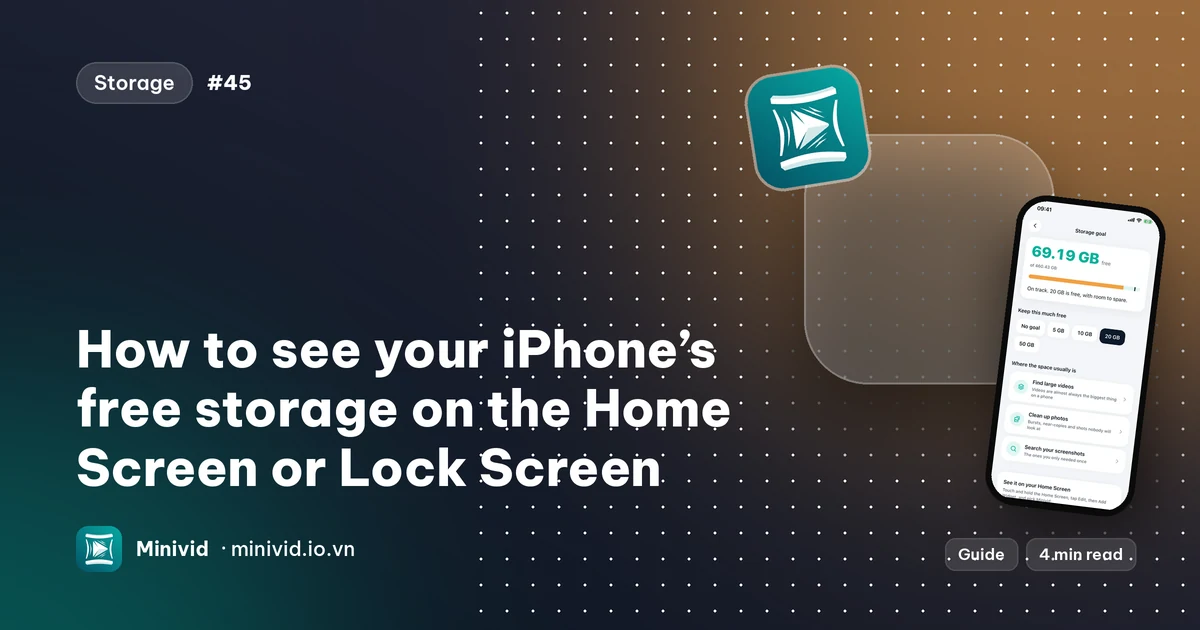
How to see your iPhone’s free storage on the Home Screen or Lock Screen
Checking Settings every time storage runs low is slow. Here is how to put your free space on the Home Screen or Lock Screen with a widget, what the numbers mean, and why they can differ slightly from Settings.
Read guide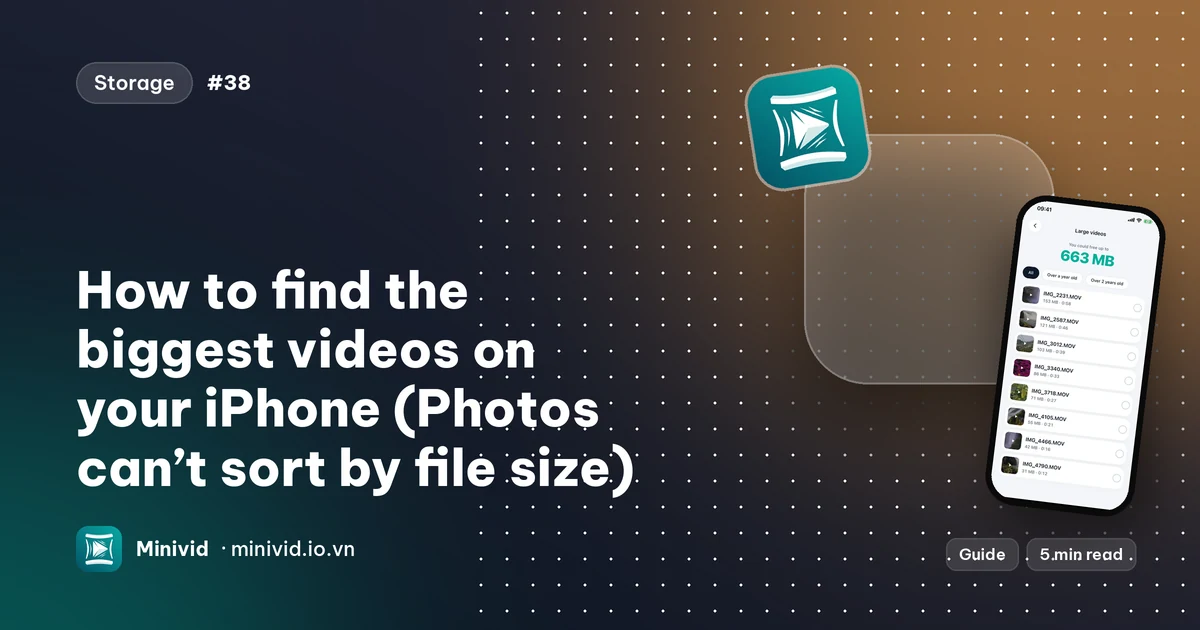
5 min read
How to find the biggest videos on your iPhone (Photos can’t sort by file size)
The Photos app cannot sort videos by size, so finding what is filling your iPhone takes a workaround. Here is what Photos and Settings can show you, and how Minivid lists every video largest first.
Read guide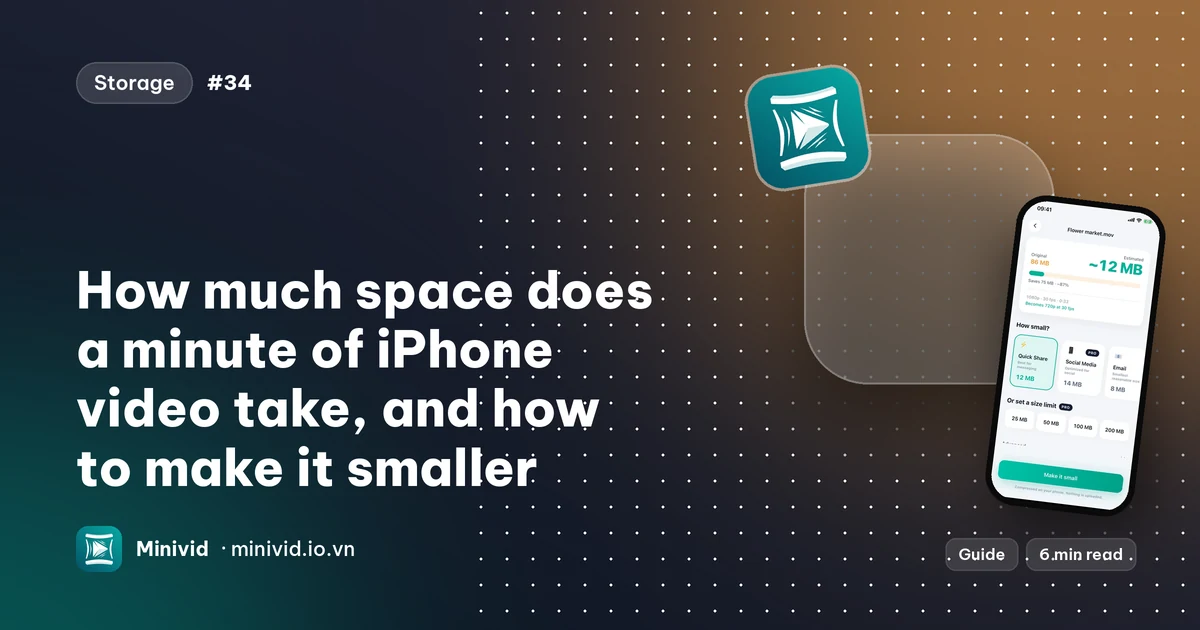
6 min read
How much space does a minute of iPhone video take, and how to make it smaller
Roughly 60 MB a minute at 1080p and 400 MB at 4K 60 fps. See the sizes, where to read them on your iPhone, what changes them, and how to shrink clips you already filmed.
Read guide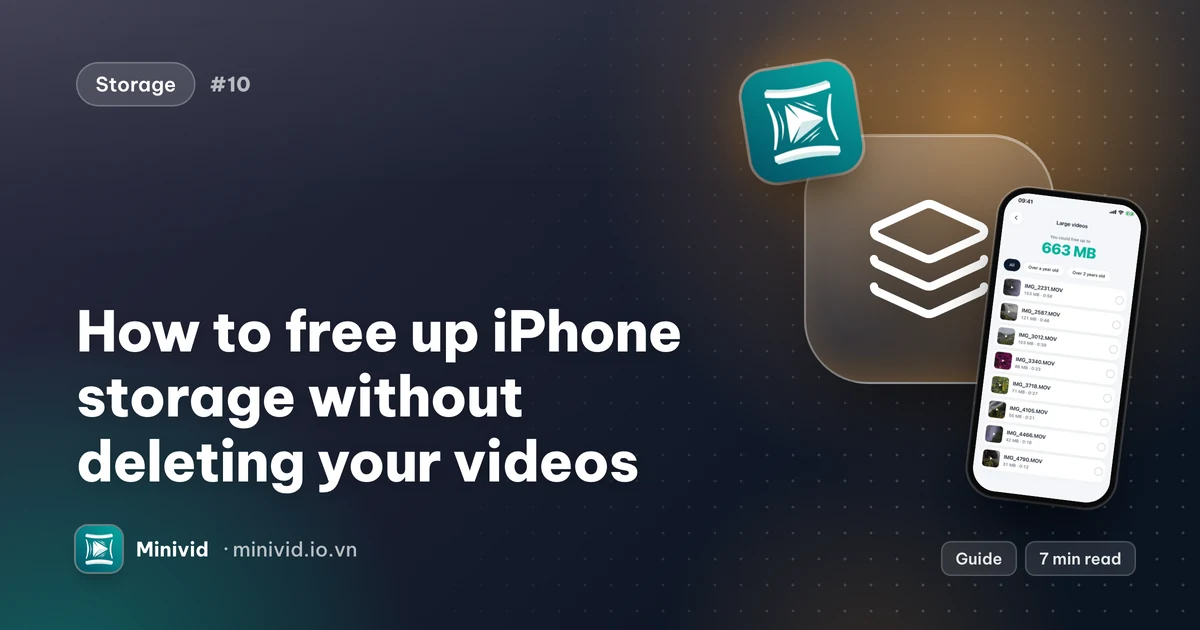
7 min read
How to free up iPhone storage without deleting your videos
iPhone storage full? Find what is using the space, empty Recently Deleted, clean up duplicates and shrink old videos instead of deleting them — step by step.
Read guide
6 min read
How to convert Live Photos to still photos and save space on iPhone
Live Photos store a short video with every picture. Turn them into ordinary stills with the Photos app, stop new ones from being taken, and get the space back — step by step.
Read guide
6 min read
How to find and delete duplicate photos on iPhone
Use the built-in Duplicates album in Photos to merge identical copies, then deal with the near-duplicates, bursts and blurry shots it does not catch — without deleting the photo you wanted to keep.
Read guide
6 min read
How to find and delete screenshots in bulk on iPhone
Thousands of old screenshots eating your iPhone storage? Open the Screenshots album, select them in one swipe, keep the few you need by searching their text, and empty Recently Deleted.
Read guidePhotos
4 min read
Why can’t I find a screenshot by searching its text on iPhone, and what to try
Photos can find words inside screenshots on recent iPhones, but not always. Here is what the feature needs, how to search properly, why a screenshot might not show up, and a fallback that reads them on the phone.
Read guide
6 min read
How to convert HEIC photos to JPG on iPhone
iPhone photo won’t open on a PC or a website because it’s HEIC? Get a JPG with the Files app, switch the camera format, or change how photos transfer to a computer — no upload to a converter site.
Read guide
6 min read
How to reduce photo file size on iPhone for email and upload forms
Upload form says your photo is over 1 MB, or an email won’t send? Make iPhone photos smaller with Mail’s size options, cropping and a Shortcuts action — and pick a resolution that’s just enough.
Read guide
6 min read
How to hide and lock private photos and videos on iPhone
Hide photos and videos on iPhone with the Face ID–locked Hidden album, lock the whole Photos app on iOS 18, and know when an encrypted vault is worth it — and what it costs you in backups.
Read guide
6 min read
How to remove an object or person from a photo on iPhone
Erase a stranger, a bin or a power line from an iPhone photo: use Clean Up in Photos if your iPhone supports it, crop or retouch when it does not, and keep the original safe either way.
Read guideUse cases
6 min read
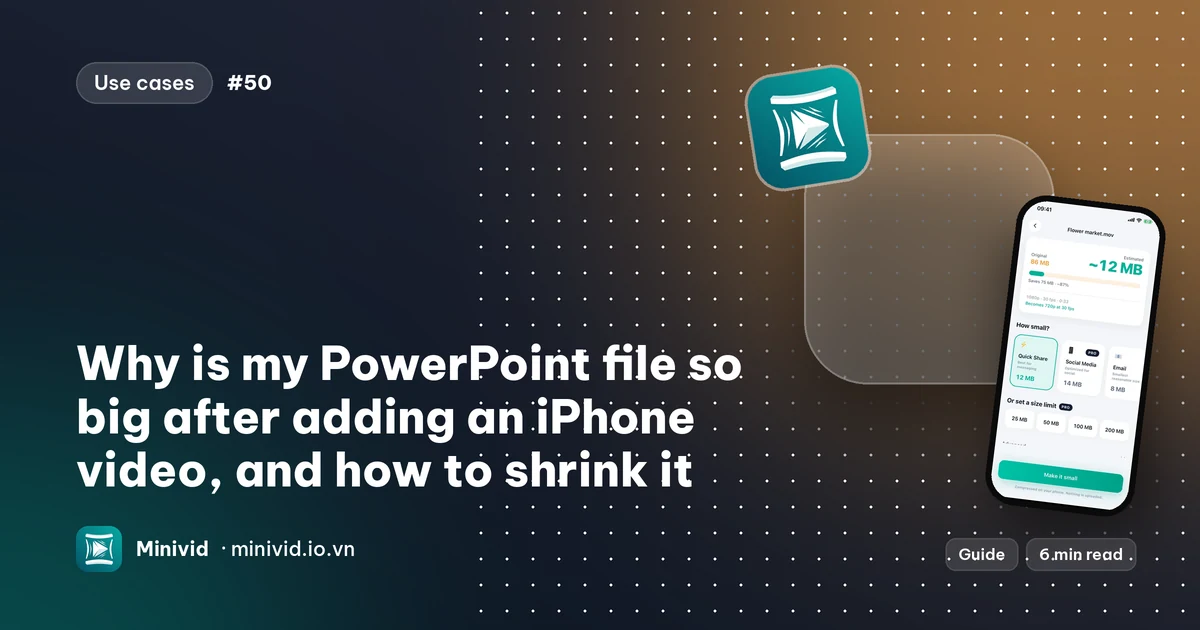
Why is my PowerPoint file so big after adding an iPhone video, and how to shrink it
A single iPhone clip can make a presentation too big to email or upload. Here is why, how to check it, what PowerPoint’s own Compress Media does and does not do, and how to shrink the video on the iPhone before you insert it.
Read guide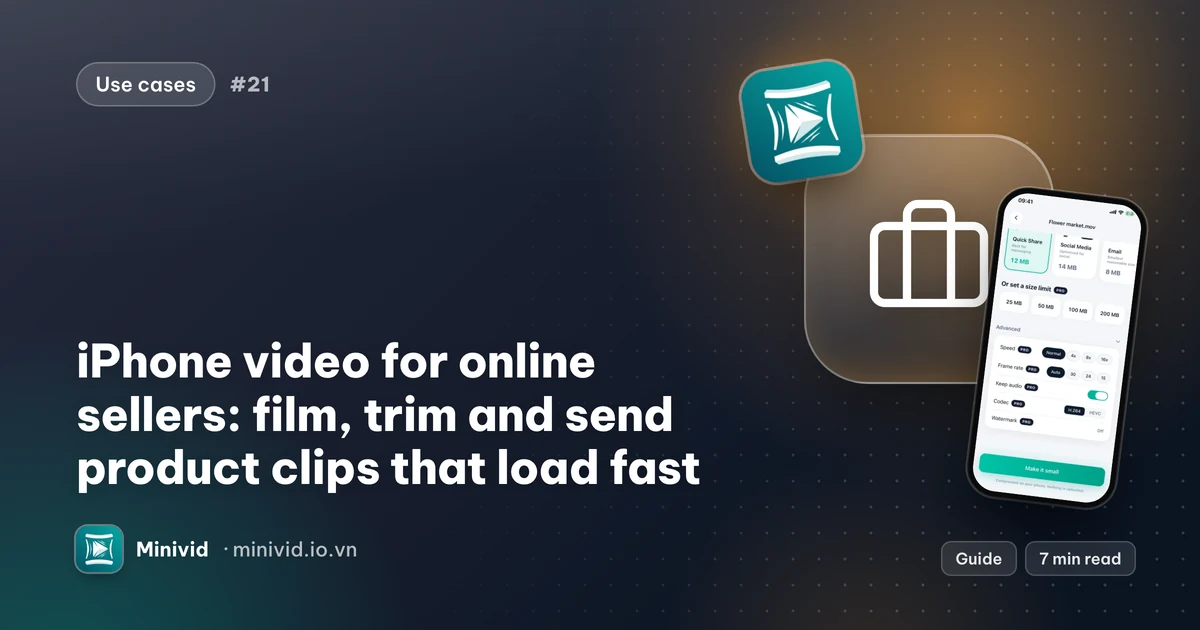
7 min read
iPhone video for online sellers: film, trim and send product clips that load fast
A practical workflow for people who sell on Facebook, TikTok Shop, Shopee and Zalo: shoot short product clips, cut highlights out of a livestream, send them to customers under each app’s limit and keep the phone from filling up.
Read guide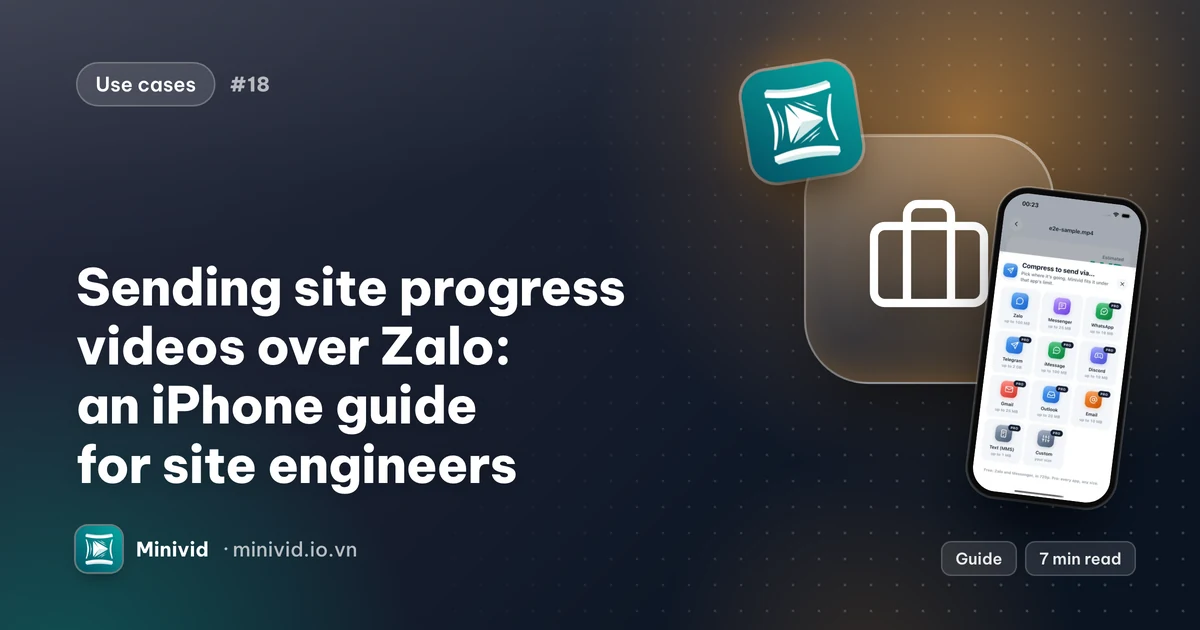
7 min read
Sending site progress videos over Zalo: an iPhone guide for site engineers
How site engineers and supervisors can shoot consistent daily progress clips, send them to the office or client over Zalo without hitting the limit, keep the originals for the record and stop the phone filling up.
Read guideNeed a quick answer instead? Read the FAQ